

I know the practical challenges. I think beyond them.
Clearer processes.
Work made easier.
Process Automation & AI Integration
I combine my experience in rail and aviation with practical projects in process automation and AI integration. My work focuses on clear workflows, connected tools and people involved in important decisions.
Klar. Bereit.
Practical projects
Small ideas.
Clearer workflows.
Learning projects and personal prototypes built around real tasks, clear rules and connected tools.
01 / Make · Google Sheets
Monthly sales report
Analyse won and lost sales opportunities, calculate total values and the win rate, and email the results in an HTML report.
02 / Zapier · Slack
Urgent requests
A submitted form starts the workflow. If it contains the German keyword “dringend” (urgent), a targeted notification is sent to Slack.
03 / n8n · APIs
My automation environment
My n8n instance on a VPS provides the foundation for practical projects using webhooks, system connections and AI integration.
How I work
Understand first.
Then automate.
01Clarify the process
What problem needs solving? Which data, roles and decisions are involved?
02Connect the tools
System connections and clear rules make the workflow understandable and traceable.
03Plan for exceptions
Missing data, unexpected responses and exceptions need to be considered from the start.
04Involve people
Responsibilities and approvals are explicitly defined for important decisions.
Behind the automation
Four perspectives, one principle: technology should create more room for people.
What does a process automation specialist do?
I start with everyday work: where is time lost, which information is copied repeatedly and which steps slow people down? I analyse the process, connect the tools and build workflows that reduce repetitive tasks.
AI integration can help organise documents or prepare responses. Before using it, I check the results and define when human intervention is needed. The goal is a system that is useful, understandable and manageable.
For my automated sales report, I connected Google Sheets, data processing and Gmail delivery in Make. This is an example of rule-based automation: not every workflow needs AI. I am developing these skills through my training and practical projects.
Why automate?
Copying data, searching for attachments and chasing updates take attention away from meaningful work. Well designed automation can reduce these steps and manual errors, making the workflow clearer.
Not every task needs automation. Start with a concrete problem, test a solution and measure its benefit. The time saved can go back to people: to make better decisions, build relationships and focus on important work.
Value can also involve safety, coordination and traceability. The weather project aims to notify qualified personnel before a thunderstorm could arrive, leaving the alarm decision to them. This is an intended benefit: the Slack test does not establish fewer injuries or a reliable forecasting lead time.
Data protection from the start
Before connecting tools, clarify which data is needed, for what purpose and who can access it. Data minimisation, access restrictions and retention periods should be designed alongside the workflow.
The measures depend on the context: for example, encryption, secure credential management and vendor checks. No tool offers an absolute guarantee. Sensitive data requires a specific assessment and the involvement of the responsible people.
I used fictional BR185 data for the train driver assistant demo. Further development with real documentation requires authorised materials and an assessment of data processing. Local AI is also a technical choice: by itself, it does not establish compliance or security. Data protection and security leads should be involved when needed.
Human in the Loop: people keep the decision
Automation does not mean giving up control. Human in the Loop means involving people where judgement, responsibility and context matter: a review, an approval or handling an exception.
The system can prepare a proposal and flag an anomaly; a person reviews and decides at the defined steps. These checkpoints must be clear, with the option to correct or stop the workflow. Automation supports human decisions.
In the intended weather workflow, qualified personnel assess the notification: Dismiss prevents general distribution, while Accept confirms the alarm. They can withdraw it if the storm changes direction. Meaningful control requires adequate information and the actual ability to stop or correct the process. In the Slack test, decision controls were simulated and no airport handheld devices were connected.
More on data protection principles: European Commission
About me
New paths.
A fresh perspective on processes.
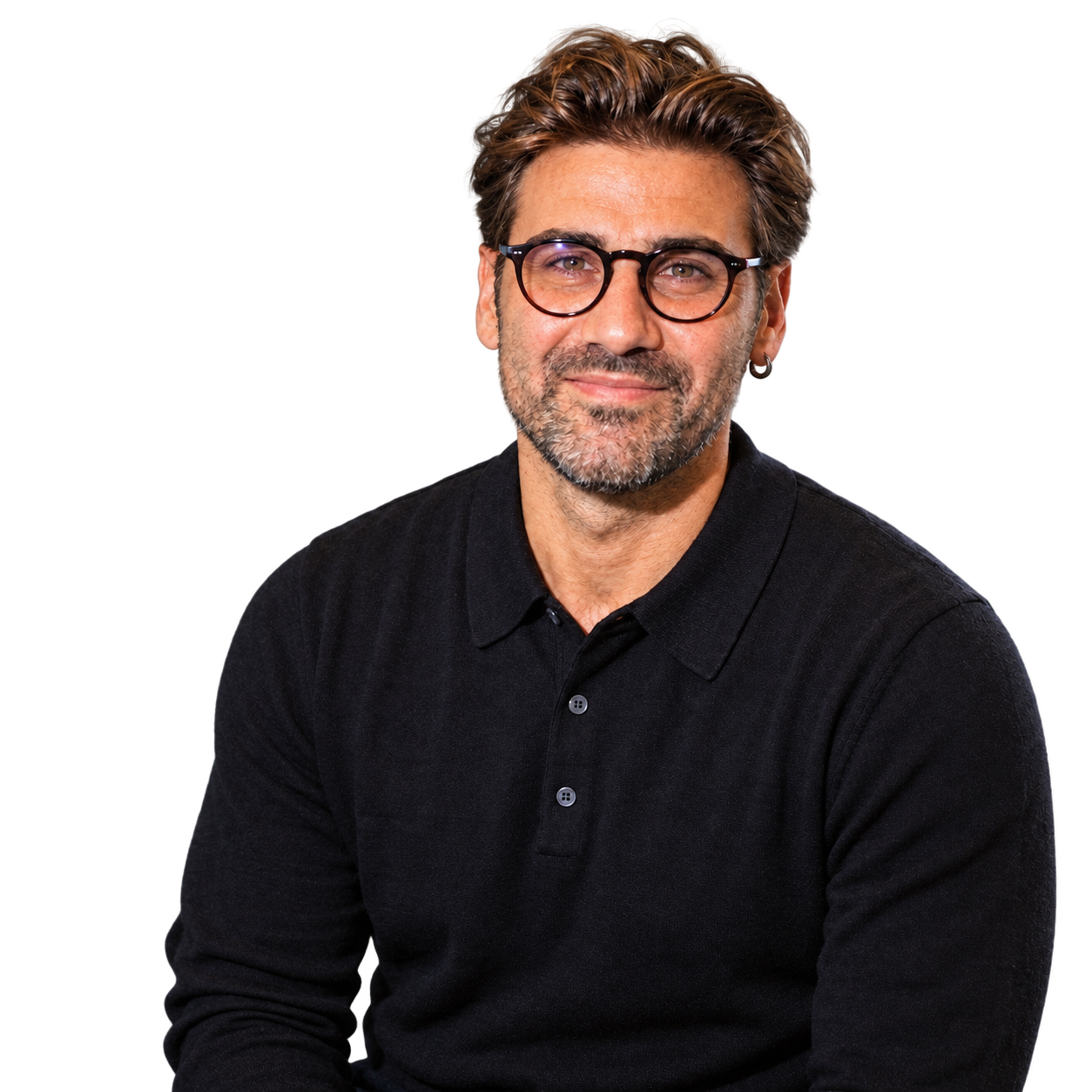
I am Michele Focareta. Italian roots, a career built in Germany — from the airport to the train cab. As a flight coordinator and train driver, I learned what matters when processes become complex: a clear overview, responsibility and sound decisions.
Today I build digital solutions: automated workflows, connected tools and local AI assistants. With n8n, Make and APIs, I turn ideas into practical solutions.
I am curious about what lies behind a process — and what becomes possible when you rethink it.
Tools & skills
Tools for connected processes.
Certificates & qualifications
Skills with evidence.
Contact
The next good idea
starts with a conversation.
I welcome professional conversations, project ideas and connections in process automation and AI integration.
Diario
Idee, esperienze e domande pratiche sull’automazione dei processi e sull’integrazione dell’AI. Post e foto di Michele Focareta, con spazio per i tuoi commenti.
Apri il diario